
LIVE TRACKING
Start the timer when your baby falls asleep
The app records when sleep begins and keeps tracking the duration until you mark your baby as awake.
Record sleep, wake-ups, and duration for a clearer view of your baby's daily rhythm, supported by Smart Assistant estimates that take your baby's age into account.


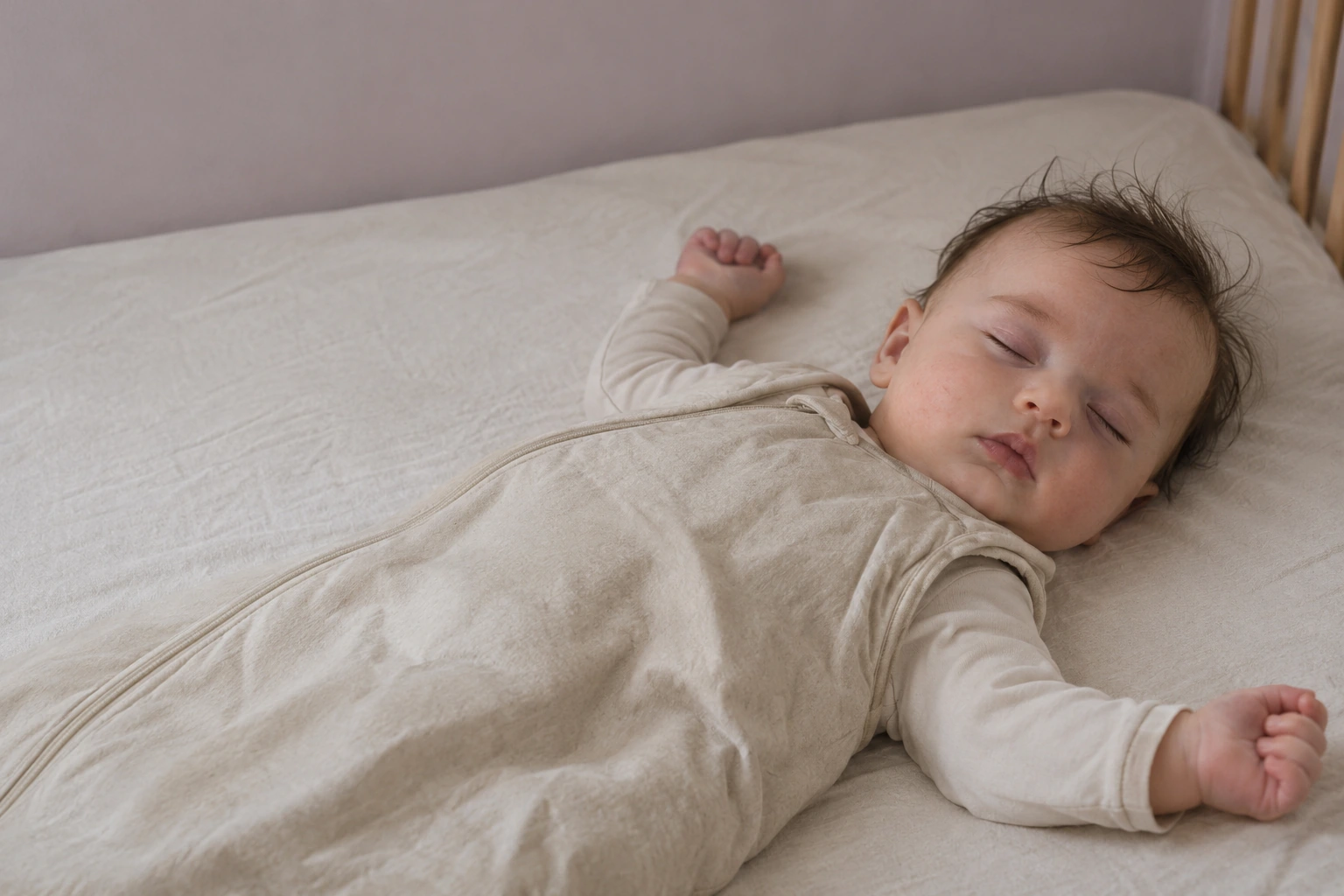
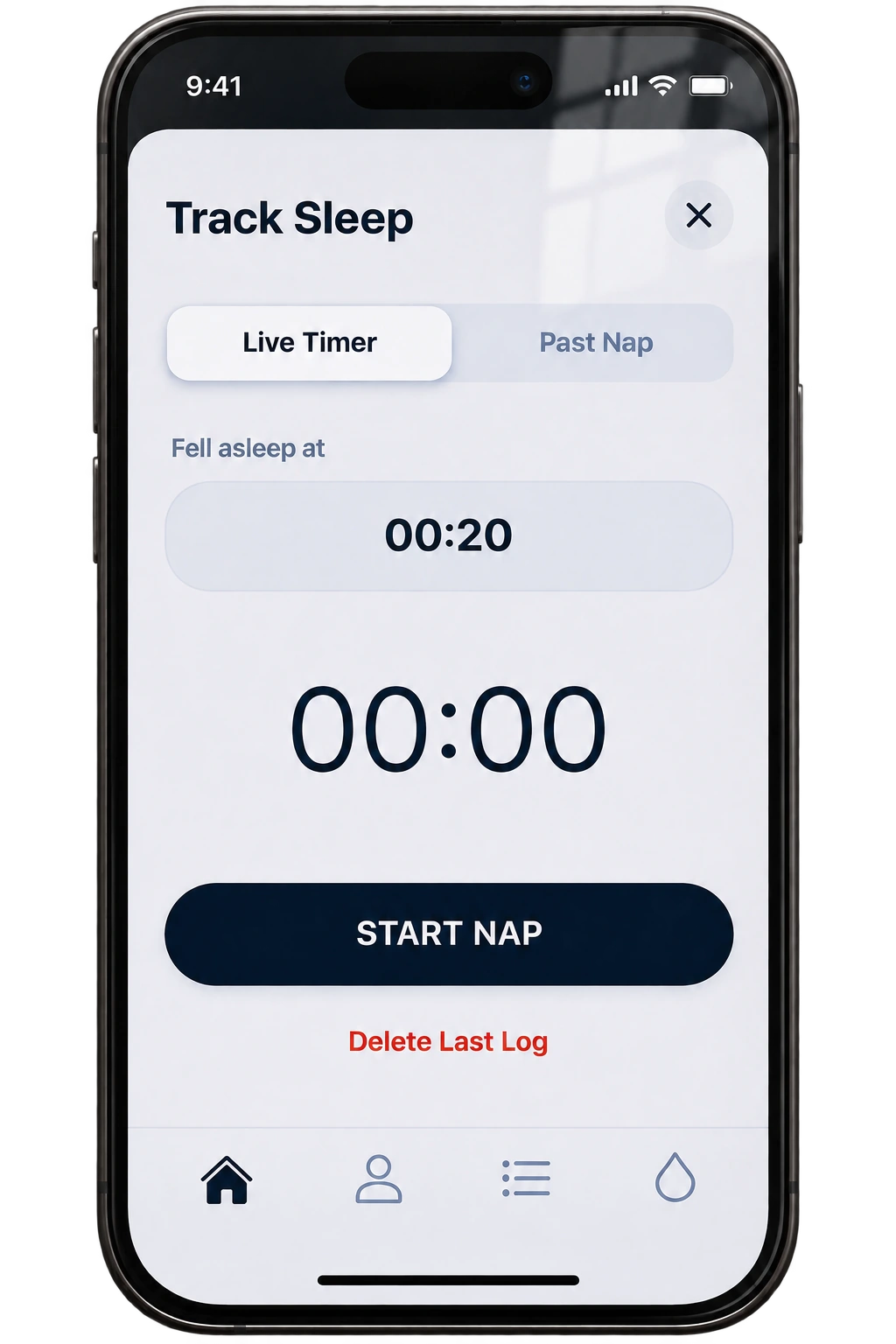
Start the timer when your baby falls asleep or add a missed sleep later. Baby Genesis supports both live sleep tracking and manual entry.
Track sleepThe app records when sleep begins and keeps tracking the duration until you mark your baby as awake.
When your baby wakes, end the sleep record and the total duration is automatically added to the activity log.
Enter the actual sleep and wake times manually so the day’s record stays complete.
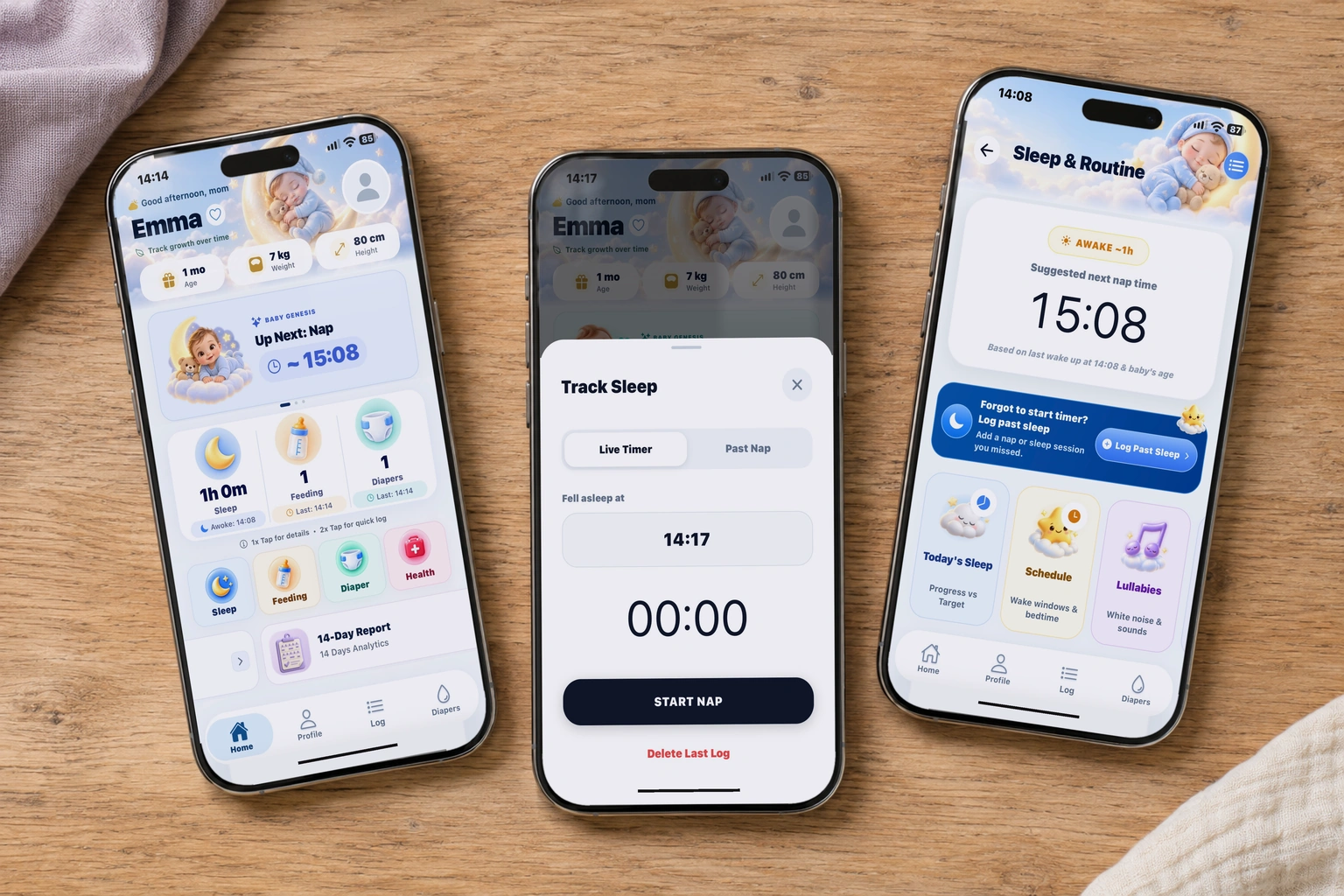

For every nap and nighttime sleep, you can record the exact start and end times, along with the total duration. That gives you one place to see when your baby slept and how long each rest lasted.
See when your baby slept, for how long, and how their rhythm is changing.
Trusted information, expert advice and practical guides to caring for your child and supporting their health and development.
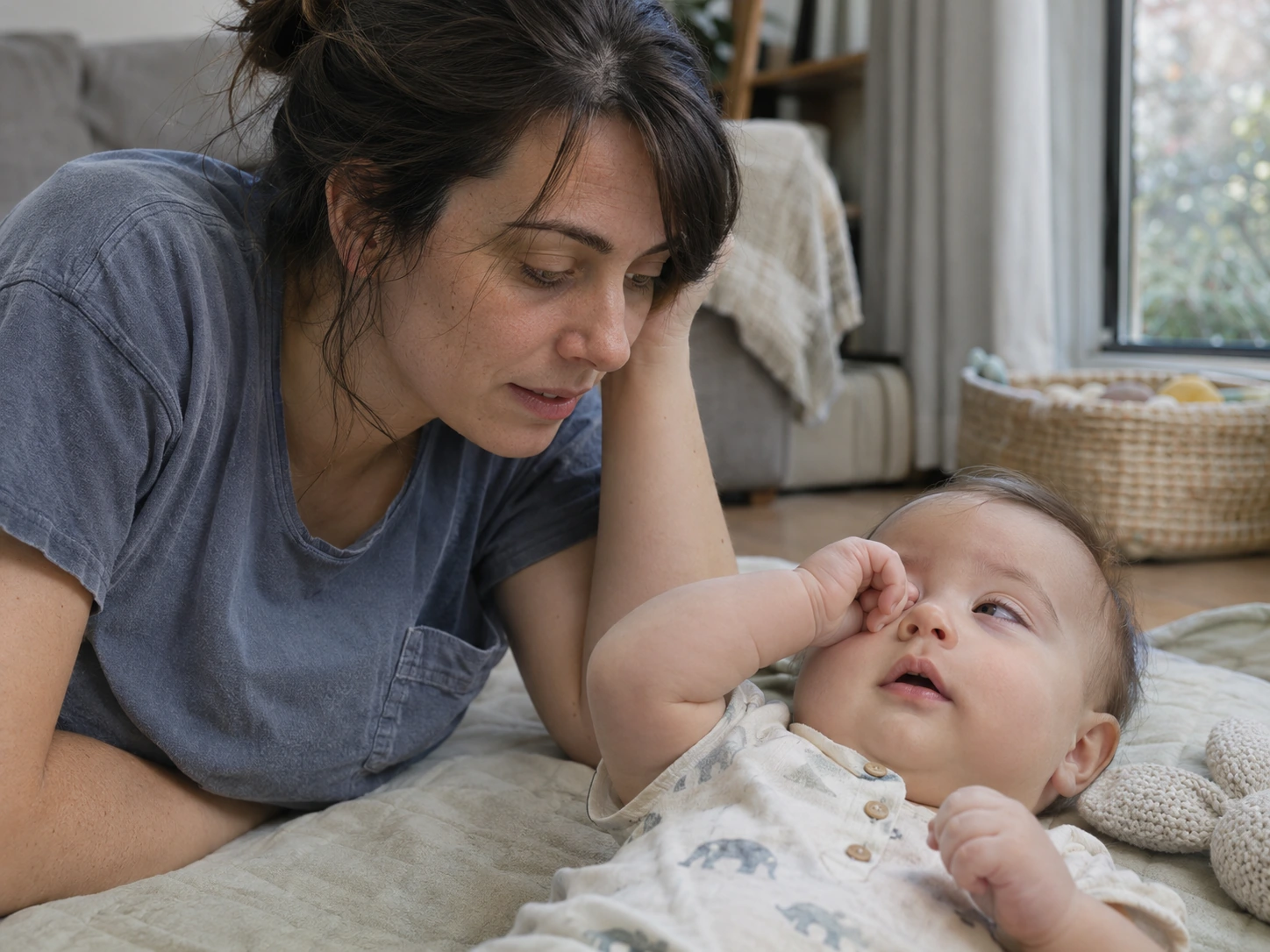
Your baby’s next sleep isn’t tied to a set time on the clock. Baby Genesis considers your baby’s age, when they last slept, and how long that sleep lasted. It uses those details alongside guidance on sleep needs at different ages, including World Health Organization (WHO) recommendations, to estimate when your baby might be ready to rest again.
As your baby moves between sleep and wakefulness throughout the day, the estimate changes too. Rather than following a fixed schedule, Smart Assistant gives you an approximate time for the next rest based on how your baby’s day is actually unfolding.
Over time, those sleep records make your baby’s rhythm easier to see. You can spot how periods of sleep and wakefulness fit together, notice when another sleep may be approaching, and plan the rest of your day around it.
Smart Assistant uses real records as context, while your judgment and your baby’s cues always matter more than an estimate.
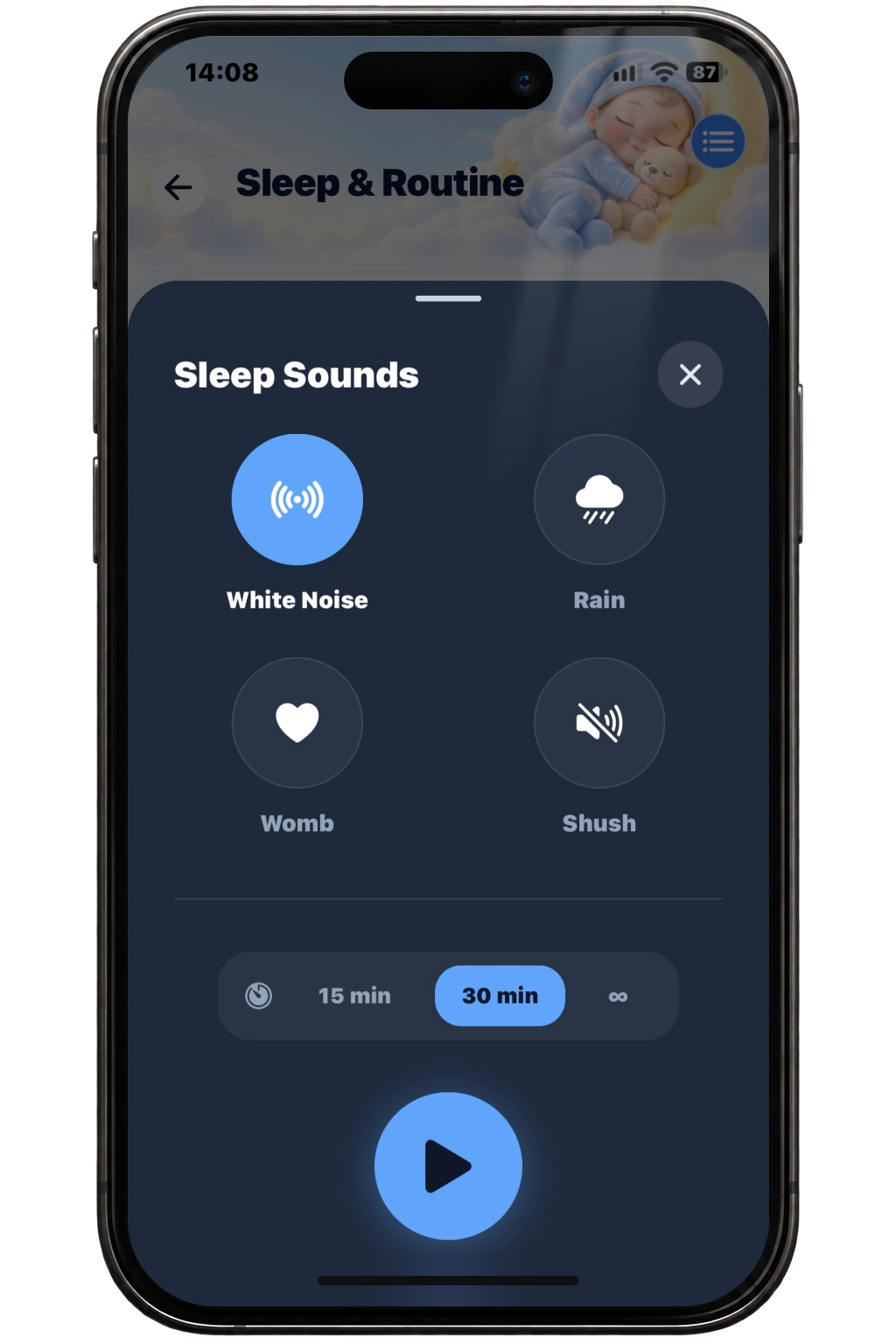
In the Sleep section, you can review active sleep, previously recorded rest periods, and general age-based wake-window guidance. Baby Genesis also includes sleep sounds such as white noise, rain, and a heartbeat. You can set a timer to stop the sound automatically, and playback can continue when your phone is locked. That means fewer interruptions to the routine and less need to keep checking how much time has passed.
Baby Genesis does not tell you how your baby should sleep. It helps you keep what actually happened, notice the rhythm of your own day, and organize the next step more easily. When naps, wake-ups, and nighttime sleep are all recorded in one place, you spend less time trying to remember the details. Instead, you have a clearer record that can help you approach the next sleep more calmly, at your own pace and around your baby’s real needs.
Start tracking sleepBaby Genesis estimates wake windows and the next possible rest period using your baby’s age, the time and duration of the latest sleep, and the records you add during the day. The purpose is to help you follow sleep rhythm and notice patterns that repeat. Every baby develops their own rhythm, so actual sleep needs can vary from day to day. Treat the estimate as a useful time reference, not a strict rule or required schedule. Baby Genesis is not a substitute for professional medical advice. If you notice significant changes in sleep, behavior, or your baby’s overall condition, or if you have any concerns, contact your pediatrician or another qualified healthcare professional.