ONE SELECTED DATE
Records stay in the order they happened
When you open a date, Baby Logbook loads the activities linked to that day and shows them with their actual recorded times.
Open any day and see feeding, sleep, diapers, health and care, notes, and teething records — in the order they were saved.



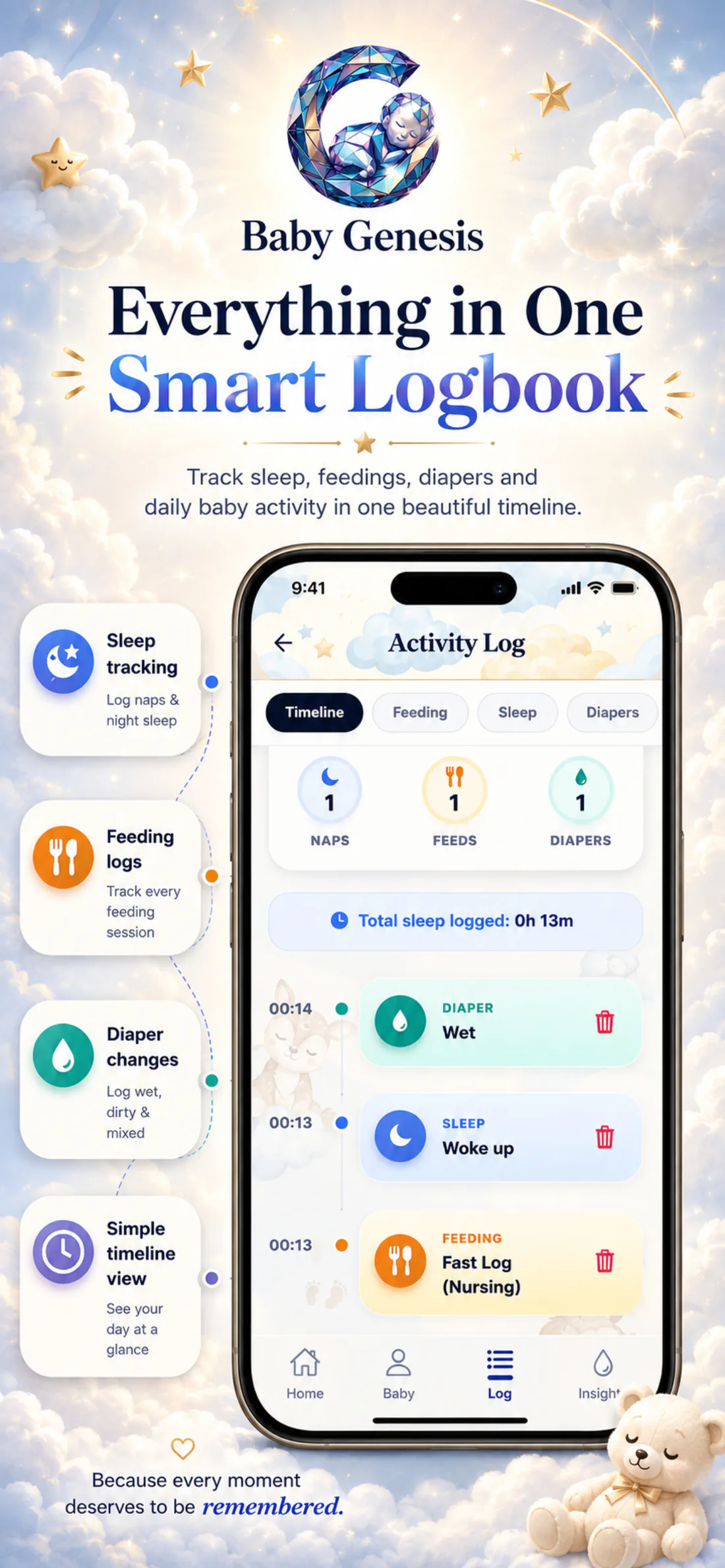
Baby Logbook brings events from other parts of the app together under one date. Instead of searching through several screens, you open a single timeline of your baby’s day.
See how it looks in the appOne day. Your overview.
Records stay in the order they happened.date · time · category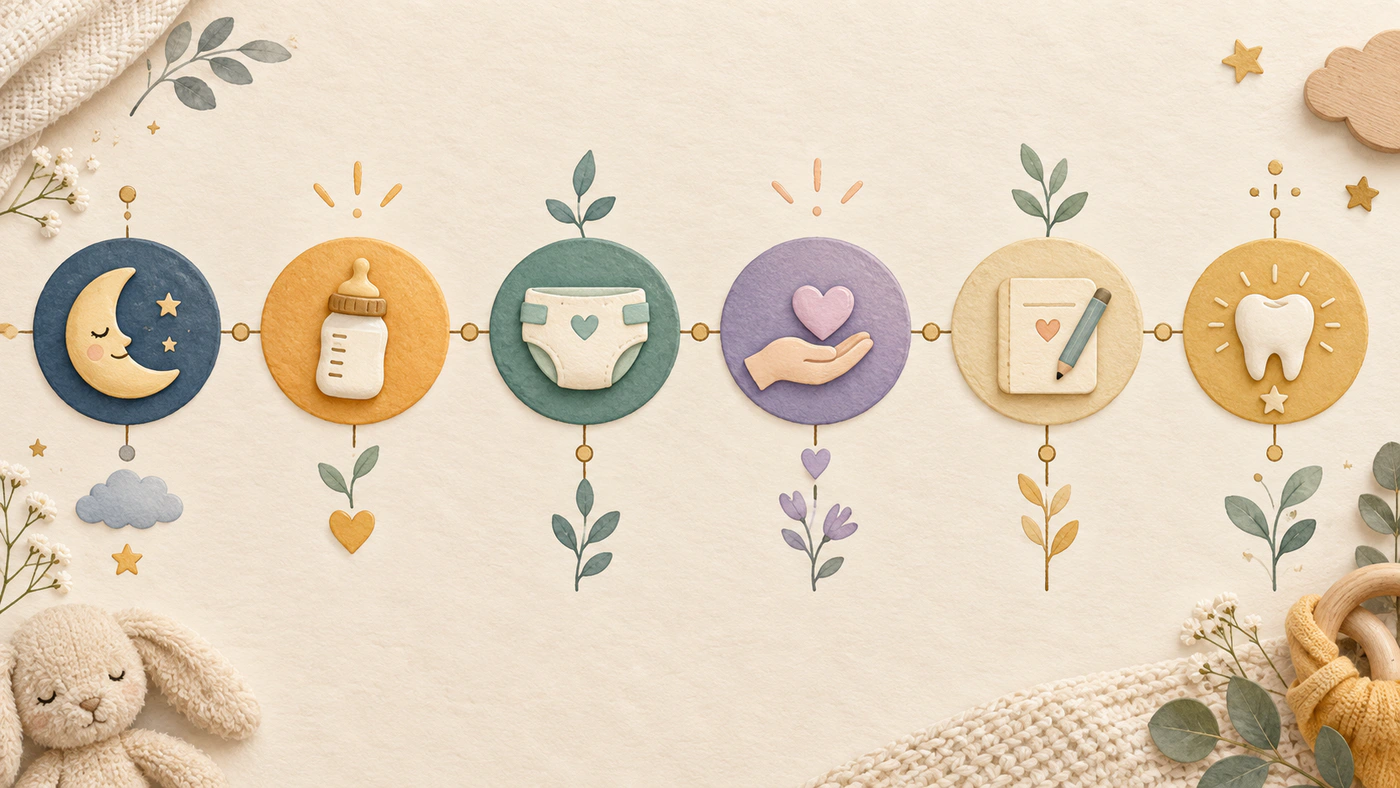
When you open a date, Baby Logbook loads the activities linked to that day and shows them with their actual recorded times.
View all records together or filter by feeding, sleep, diapers, health and care, notes, or teething. The original records remain unchanged.
Add your own note, choose the time it belongs to, and keep it alongside the other events from the same day.
The daily summary gives you context before you open individual events.
For the selected date, Baby Logbook shows the number of feedings, sleep records, and diaper changes. When completed sleep intervals exist, it also shows the total recorded sleep for that day. The numbers always come from the records you saved. Below the summary, the same events remain ordered by time, and when you need only one kind of activity, you can open the matching filter without changing the rest of the logbook.
Each type of record keeps its own context while all events remain in chronological order for the day you opened.
Feeding, sleep, diapers, health and care, notes, and teething can stay together or be opened as separate views of the selected day.
Use the arrows to move to the previous or next day, or tap the date to open the calendar and choose a day to revisit.
For the selected day, you can see the number of feedings, sleep records, and diaper changes. When completed sleep intervals exist, the total recorded sleep time is shown as well.
Choose the full timeline or a single category. For example, the Health filter brings health and care records together in one view.
Write a short note, set the time it belongs to, and save it in the day’s timeline.
Baby Logbook loads the records for the date you choose, whether you want to check this morning, yesterday, or an earlier moment you saved.

Not every important moment is a feeding, diaper, sleep, or health event. Baby Logbook also keeps your own note with the time you choose — a first trip to the park, a new smile, or something you simply do not want to forget.
A short note with a time you choose stays among the other records, ready whenever you want to return to that day.

Download Baby Genesis free on iPhone or Android. No subscription is required for core tracking.