ONE RECORD PER PORTION
Each portion keeps its own details
Amount, actual pumping date and time, storage location, status, and photo all stay attached to the same entry.
Record how much milk you pumped, when, and where you stored it. Baby Genesis shows what to use first, what is available, and what has already been used.


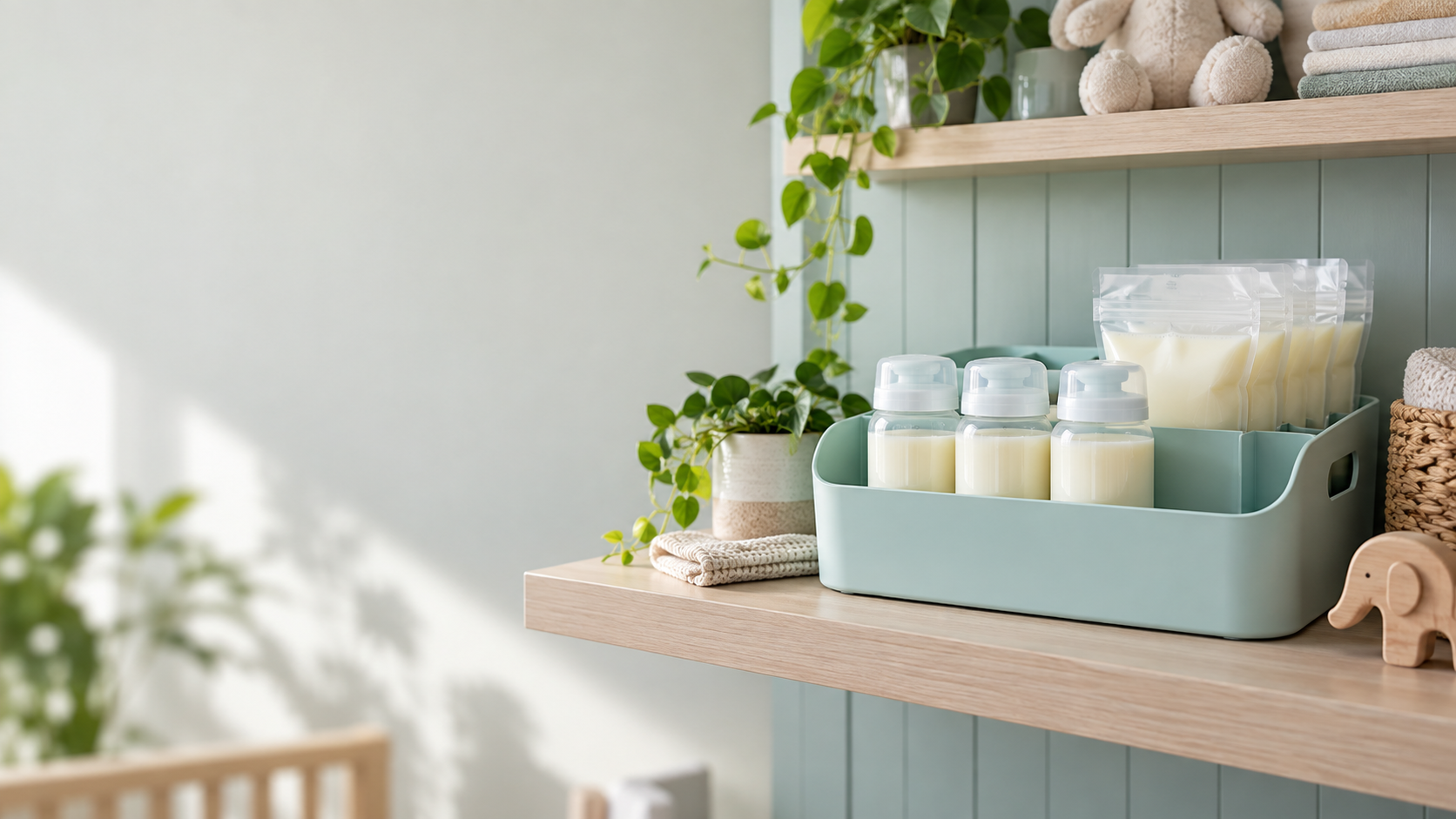
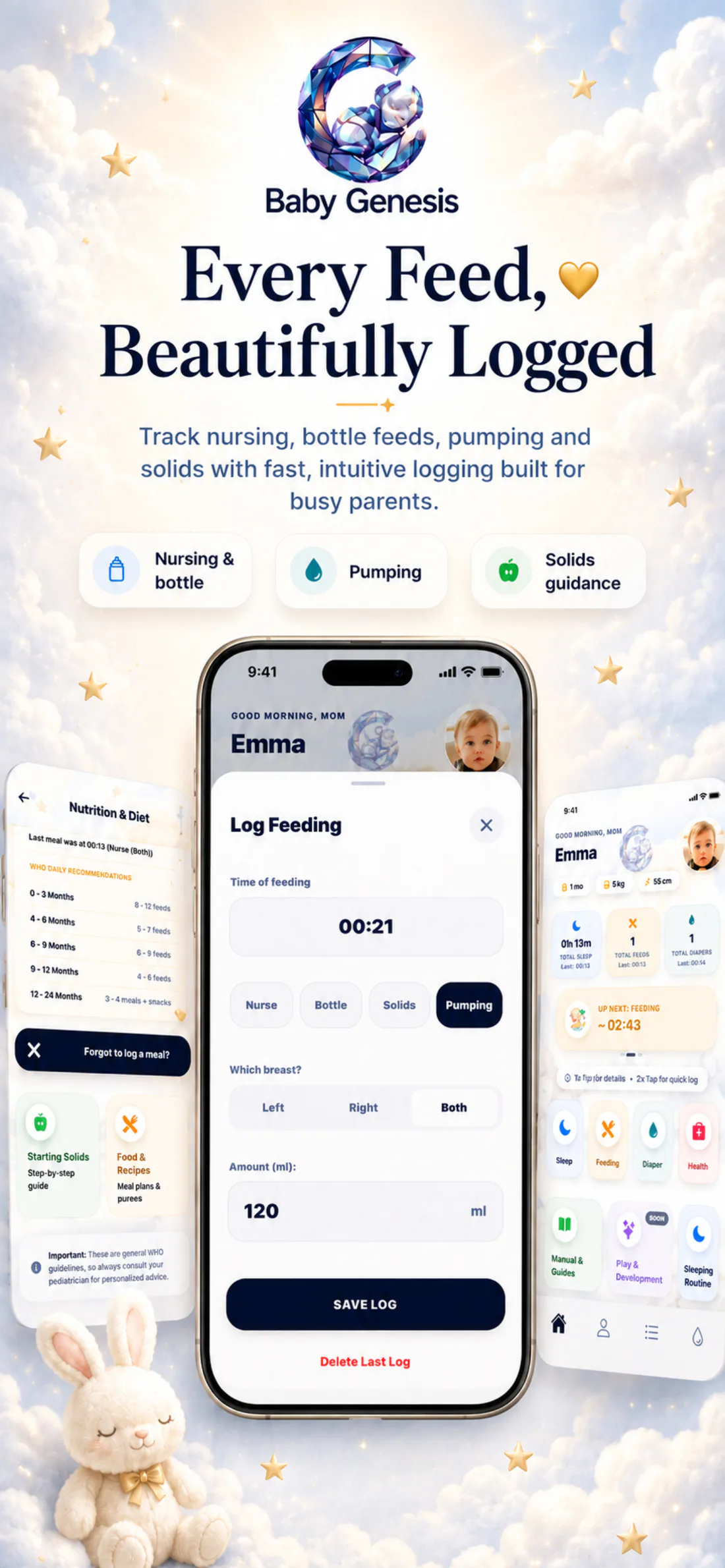
Milk Stash shows more than a total number of milliliters. Every portion has its own record, while the summary separates active fridge and freezer entries from portions marked as used or discarded.
See how it looks in the appOne portion. A clearer view.
Amount and status stay together.active · used · discarded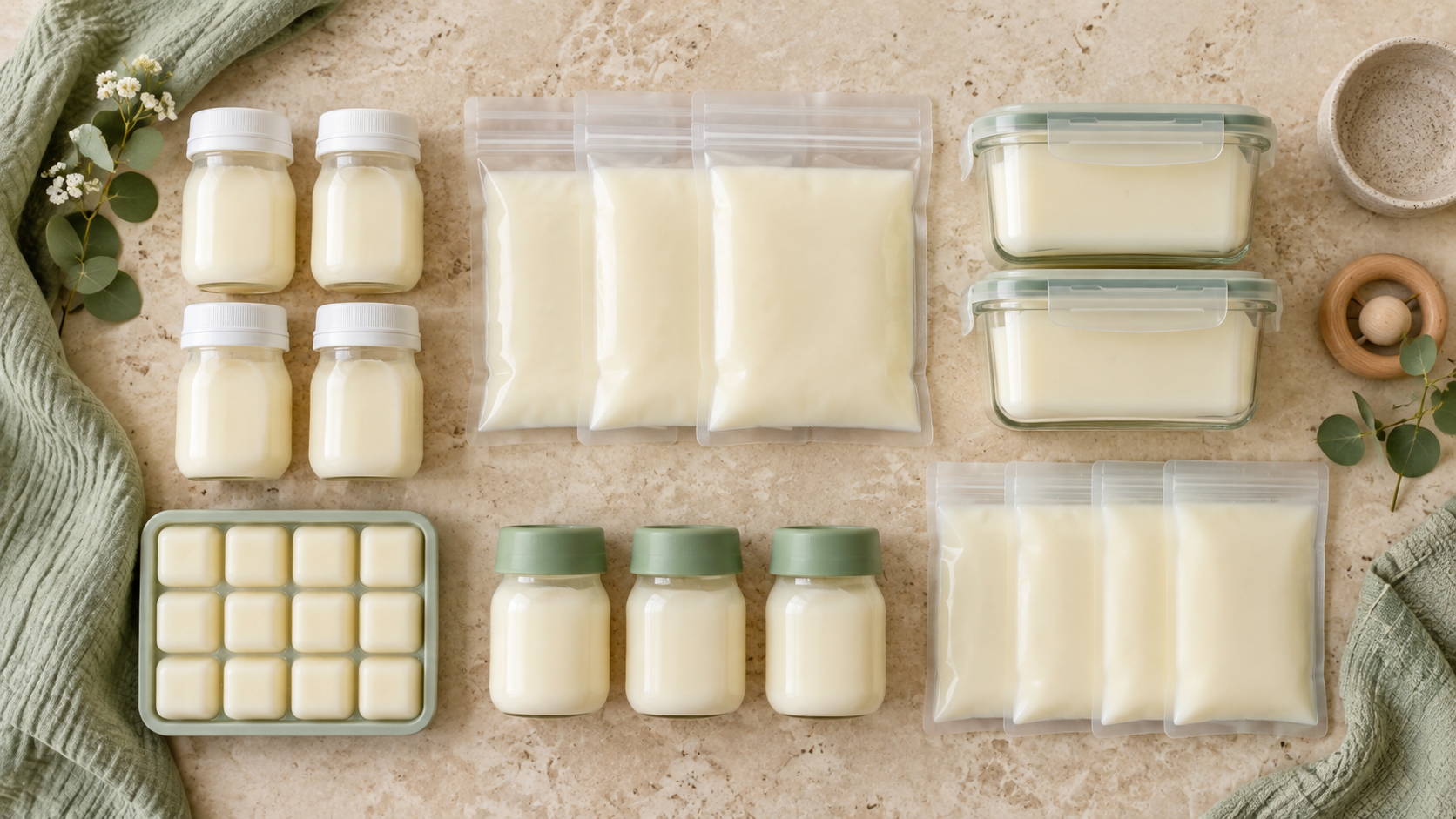
Amount, actual pumping date and time, storage location, status, and photo all stay attached to the same entry.
At the top of the view, you can see the total amount and number of active portions, then open them in separate fridge and freezer tabs.
The first active portion in the fridge is labeled “Use first,” while the first frozen portion is labeled “Best quality next.”

Amount, time, and storage location belong to the same record.
When you add milk, choose the amount in milliliters or fluid ounces, the actual date and time of pumping, and either fridge or freezer storage. For a frozen portion, you can mark that it was frozen immediately or add a later freezing time and its previous storage location. You can also save a photo with the entry, then edit or remove individual details later without creating a new portion.
The entry keeps its date, amount, and storage location while active; after you mark it Used or Discarded, it moves to history.
For every portion, you can see the amount, pumping time, and storage location. Frozen entries also include freezing information, while active and completed records stay in separate views.
If you are not logging it right away, choose the actual date and time of pumping instead of the time you opened the screen.
For a frozen portion, choose whether it was frozen immediately or enter a later freezing time and the previous storage location.
Each tab shows only active portions in that storage location, while the summary at the top shows the total count and amount.
When you mark a portion with either status, it leaves the active list but remains in a separate history with the time of that change.
The visual reference belongs to that individual portion and can be edited without changing its amount, date, or storage location.

While a portion is active, it stays in the fridge or freezer list with its details. Once marked used or discarded, it moves to history and keeps the time of that change.
Track active portions, edit individual entries, and keep a history of what has been marked as used or discarded.

Download Baby Genesis free on iPhone or Android. No subscription is required for core tracking.